Github
WHAT IS GITHUB ?
It is a website, in which you can concentrate all your git work in one place, it management the version control made by git. And it is also recognized for being a social network for developers. But everyone can use it regardless of their profession. On github you get:
- View other people's work;
- Work on community projects;
- Version your project, being able to leave public (everyone can see) or private (only who you allow);
- and other things.
STARTING:
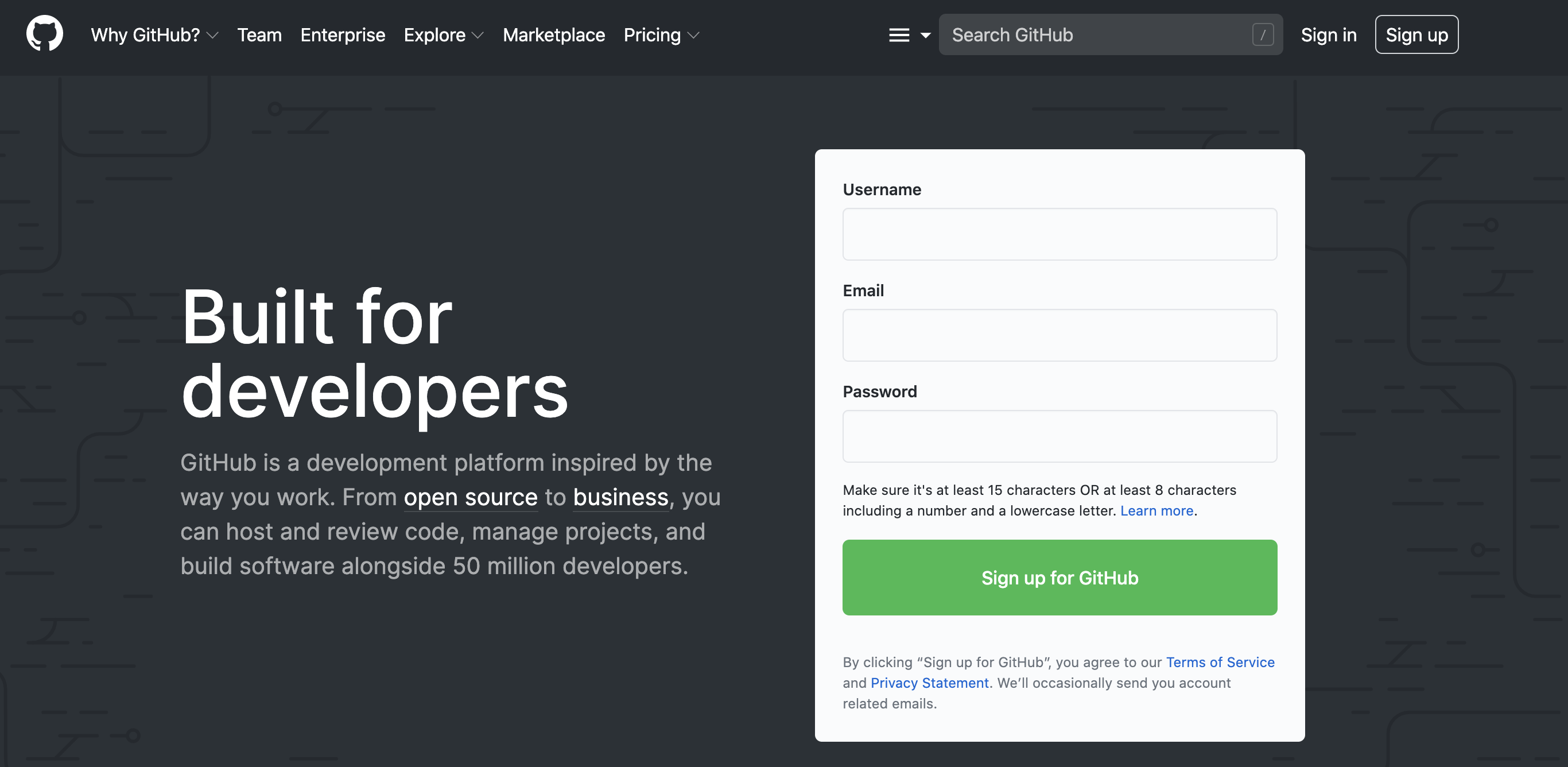
- Create an account on the site: github.com;
- Create a repository, the repository would be the name of the project
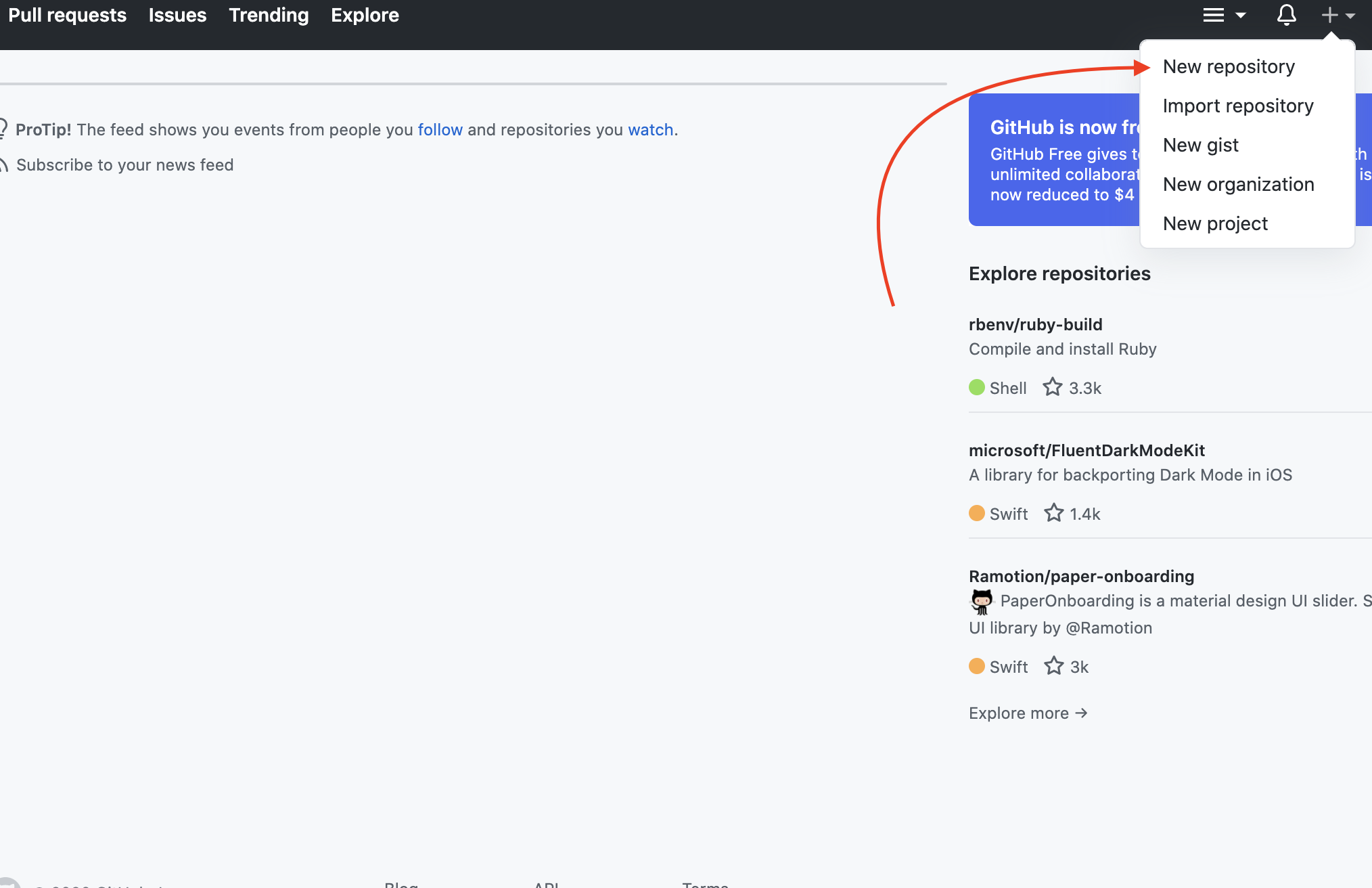
- When you click new repository, you will be directed to a page where it contains information such as: project name, leave public or private, add readme and licese. Just read, opt for some settings and proceed to the next step.
- After you do the command, you will be directed to this page:
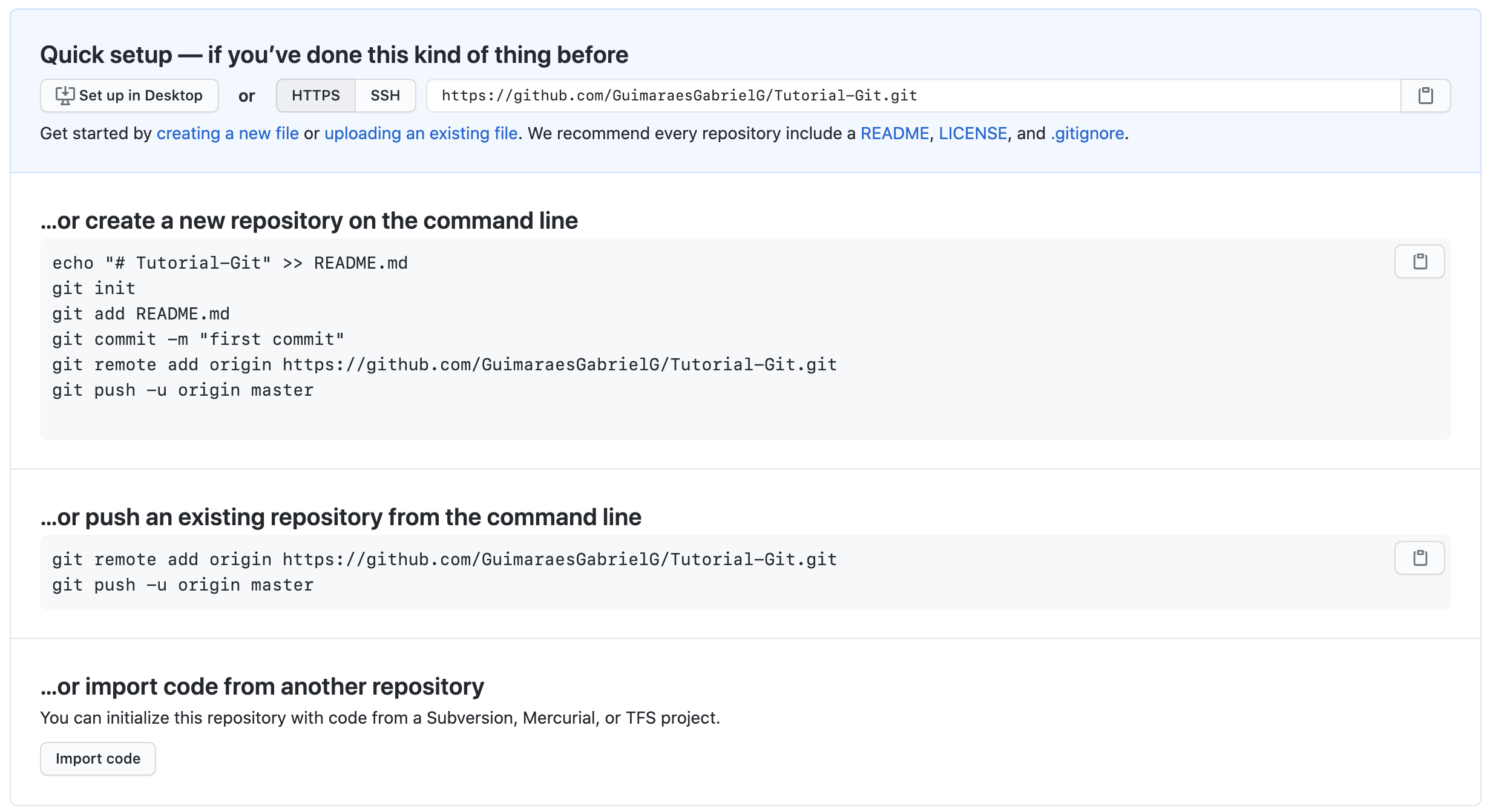
You just created a remote git, now you have the http address, from your remote repository, for you to link the remote git with the local git, you need to do some commands.
- But github already helps with that part. It teaches with instructions, as shown in the figure above, copy and paste these commands into the terminal.
STARTING THE REMOTE GIT IN YOUR PROJECT
- To be clear, which command does to synchronize the location with the remote:
$ git remote add origin "http from github .git"

E.g:

$git remote add origin https://github.com/GuimaraesGabrielG/Tutorial-Git.git
Notes:
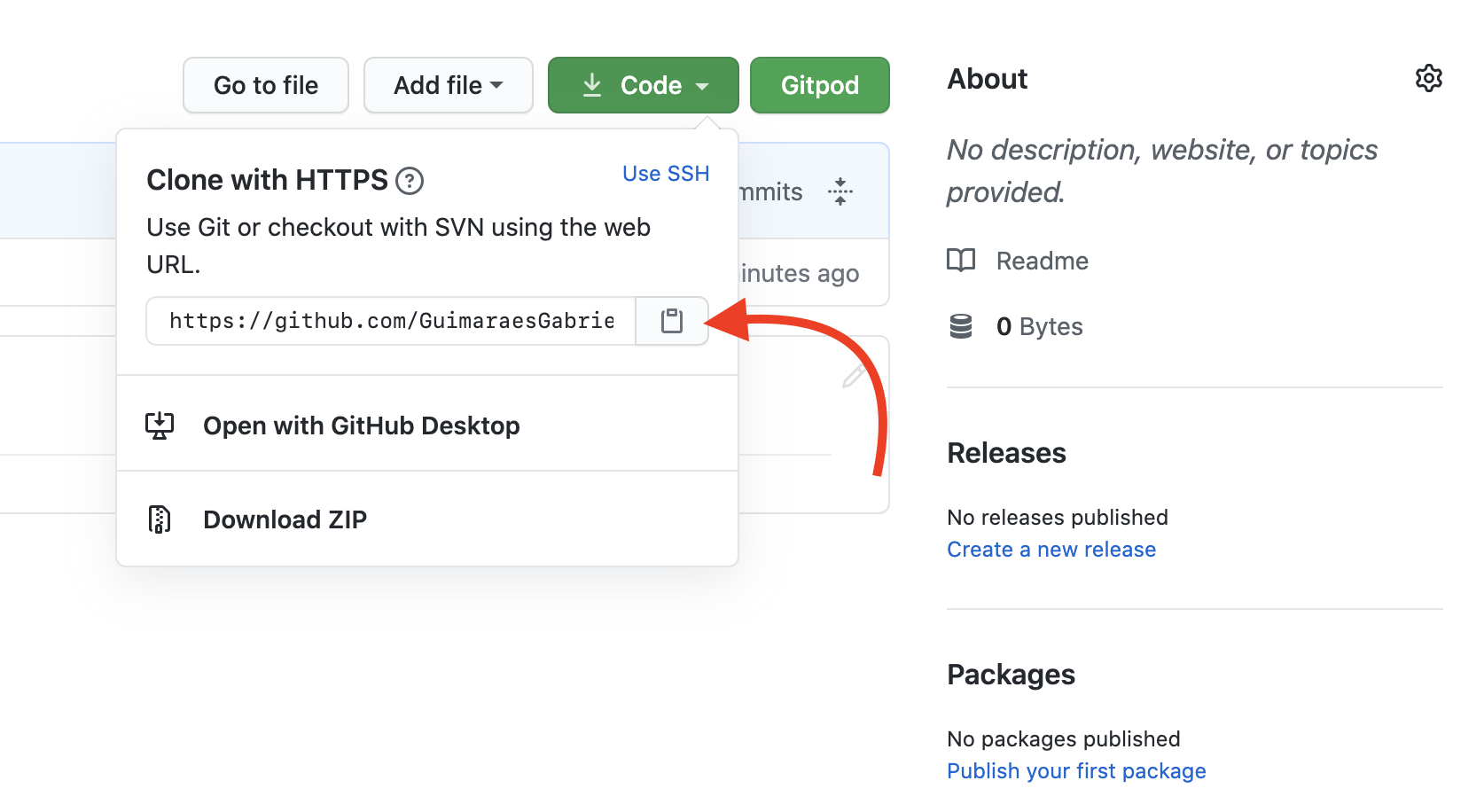
- Note that the end is .git
- Note: If you haven't found .git, you can see it in your repository:
- Github is a very powerful tool, it is possible to do many other things, such as fork, pull request, websites, testing.